Install OneDrive on Windows Server 2012 R2
Written by: jeff@townbackyard.com
Tagged: Windows Server 2012 R2
Go to https://onedrive.live.com/about/en-us/download/
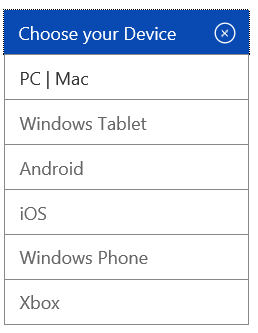
Choose PC/Mac from the Device drop down:
Then click on the Download for Windows 8 (even though Windows Server 2012 R2 is Windows 8.1 this downloader will still work).
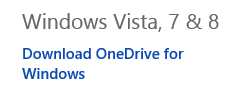

Now just use this installer to install OneDrive.
OneDrive Taskbar icon in Windows Server 2012 R2: