Your current security settings do not allow this file to be downloaded.
Written by: jeff@townbackyard.com
Tagged: Internet Explorer Windows Server 2012 R2
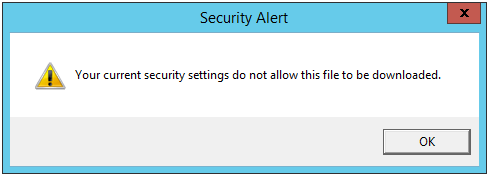
When running a new Windows Server 2012 R2 server install, Internet Explorer is locked down and you will end up getting prompted multiple times when visiting sites and most likely you will not be able to download any setup files:
---------------------------
Security Alert
---------------------------
Your current security settings do not allow this file to be downloaded.
---------------------------
OK
---------------------------
Follow the steps below to modify the default Internet Explorer security settings to bring it down to a level which is more realistic for system administrator tasks:
- Disable Internet Explorer Enhanced Security Configuration
- Open Server Manager > Local Server
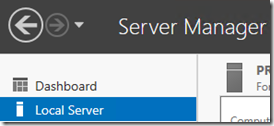
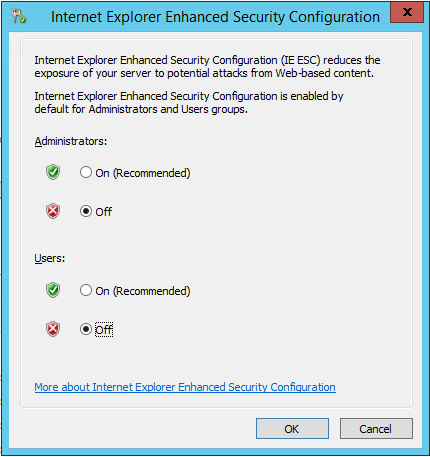
- Click on IE Enhanced Security Configuration:

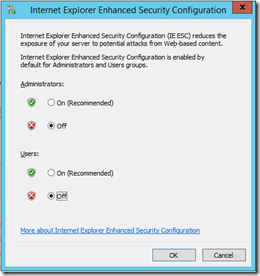
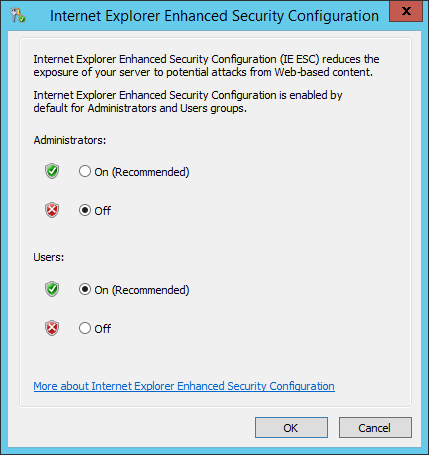
- Within the dialog switch IE Enhanced Security off for both Administrators and Users (you will turn it back on for Users later).
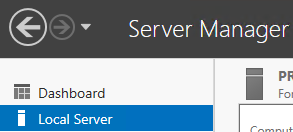
- Open Server Manager > Local Server

- Modify Security Settings in Internet Explorer
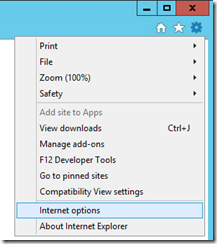
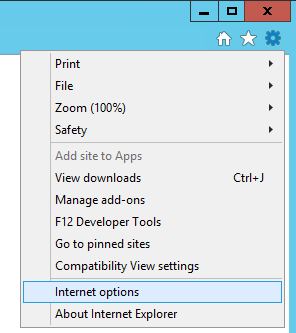
- Open Internet Explorer > Internet Options
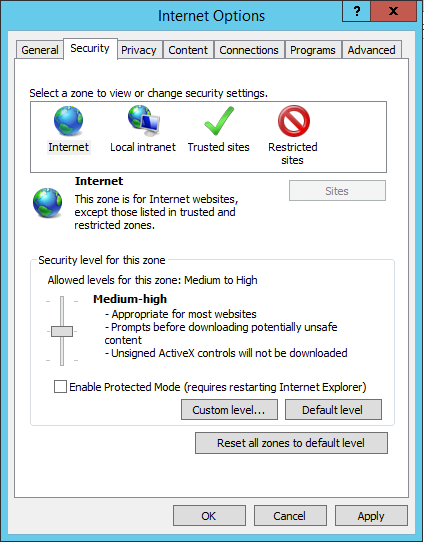
- Change to the Security tab and move the slider to “Medium-high” and uncheck the “Enable Protected Mode” checkbox.
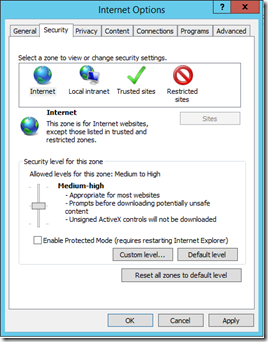
- Medium-high enables file downloads which is pretty important for system administrators
- Medium-high enables file downloads which is pretty important for system administrators
- Note: It was necessary to turn off Internet Explorer Enhanced Security for “Users” in order to move the security level slider. If the slider is disabled check to make sure Internet Explorer Enhanced Security is disabled for both Users and Administrators.
- Ok you way out of here and then close Internet Explorer.
- Note: Since this is a server there may be other users logged on. It may be necessary to sign out those users and then close any other instances of Internet Explorer from Task Manager to get these security settings to be applied.
- Turn on Internet Explorer Enhanced Security for Users
- It is a good idea to enabled Internet Explorer Enhanced Security for Users who may use this machine. Return back to the Local Server Manager dashboard and enable it for just Users:
- It is a good idea to enabled Internet Explorer Enhanced Security for Users who may use this machine. Return back to the Local Server Manager dashboard and enable it for just Users:

Now you will no longer be prompted multiple times when browsing a site in Internet Explorer and you will also be able to download install files.